SQL-based selection
Use a view or query that returns only the records and fields that should be synchronized.
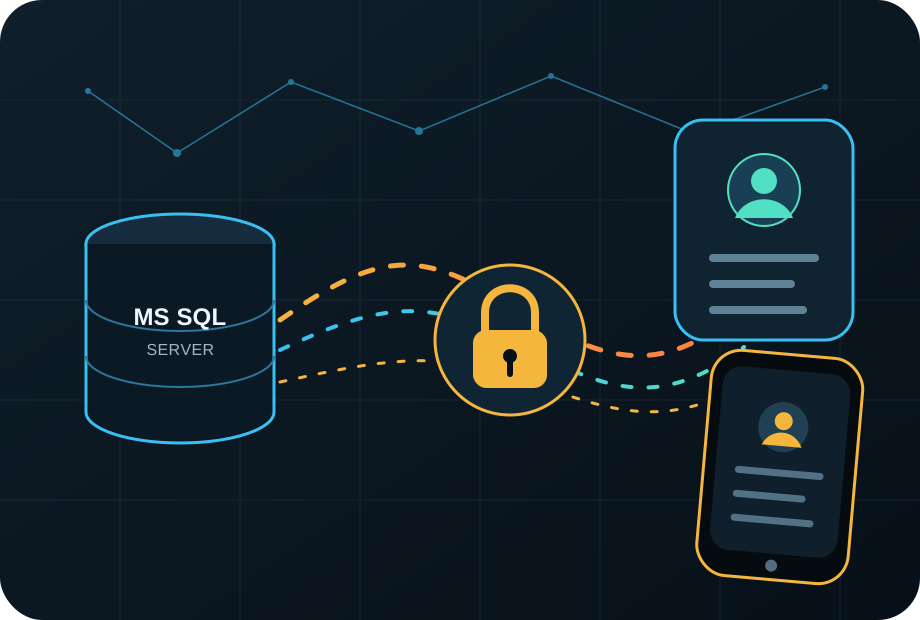
Database → Google Contacts → phone
DB2Google transfers selected customers, employees or suppliers from Microsoft SQL Server to Google Contacts. Your team receives current phone numbers and email addresses without repetitive manual exports.
Why DB2Google
The solution creates a repeatable flow between the database and the user address book. The exact scope is configured for your data structure, account count and operating rules.
Use a view or query that returns only the records and fields that should be synchronized.
Name, company, phones, email, address and notes are mapped to matching Google Contacts fields.
Synchronization can run on a schedule and log new, changed and failed records.
The deployment can be designed for one account, a team or a Google Workspace environment.
Contact access uses Google OAuth rather than storing user passwords.
Database connection, transformation rules and operating mode are adapted to your infrastructure.
Data flow
Select tables, a view or an SQL query and define filtering rules.
Clean, combine and map fields to the target contact structure.
The target account or Workspace environment grants the required permissions.
Changes are transferred, logged and made available on the phone.
Typical scenarios
Customer contacts from CRM or ERP directly in the salesperson’s mobile address book.
Sites, responsible people and emergency numbers available away from the office.
Employee contacts controlled from an HR or central database.
Centrally managed external contacts for selected groups of company users.
Security and operations
The architecture depends on the installation model. The design should limit database access, use Google authorization and retain operational logs only as required.
Transparent pricing
The licence price is based on the number of Google accounts receiving synchronized contacts. Contact record count is not licensed; technical service limits still apply.
Starter
Team
Business
Enterprise
One-time fee from €390. Includes one MS SQL source connection, basic field mapping, configuration and a verification run.
Prices exclude VAT. DB2Google is offered to businesses and professional organisations (B2B). Licensing policy →
Frequently asked questions
No. The name means “Database to Google”. The offered scenario focuses on Microsoft SQL Server and Google Contacts.
The default scenario is controlled transfer from MS SQL to Google Contacts. Reverse changes or deletion rules must be designed and confirmed for the specific deployment.
The scope may range from one account to multiple users. Google Workspace deployments require verification of the administrative and permission model.
Pricing depends on the data model, number of accounts, mapping, synchronization frequency, installation method and required support.
Provide the database source, approximate contact count, target accounts, required fields and update frequency.
Non-binding inquiry
Send the basic parameters. They allow us to prepare focused questions and propose the next step.